

Songkran 2026: The Connectivity Challenge
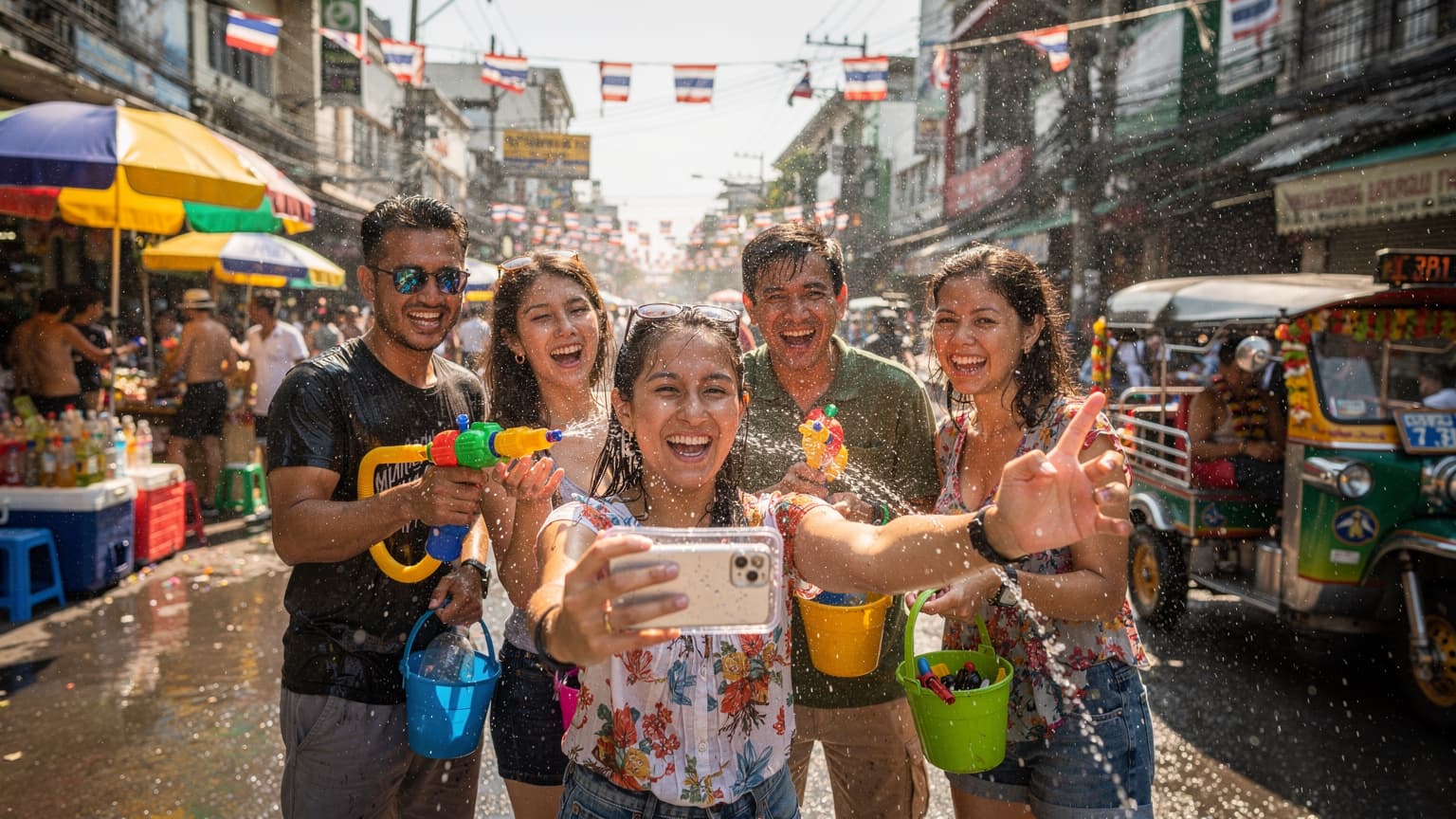
Songkran is more than just a festival; it's a nationwide water celebration. From the bustling streets of Bangkok to the ancient canals of Chiang Mai, water is everywhere. This immersive experience, while exhilarating, poses unique challenges for mobile connectivity. Your phone, an essential travel companion for navigation, communication, and capturing memories, is suddenly at risk.
Traditional physical SIM cards are vulnerable. The constant threat of water damage, accidental ejection during a frantic refill of your water gun, or simply losing the tiny card in the chaos, can sever your connection. For a network engineer, it's a nightmare scenario, not just because of the lost data, but the potential physical damage to the SIM tray itself. Imagine being unable to call a Grab taxi, check Google Maps for the nearest dry zone, or upload that perfect slow-motion video of a water balloon exploding.
The sheer density of revelers also strains local network infrastructure. During peak Songkran periods, particularly in popular areas like Khao San Road or Patong Beach, cell towers can experience significant congestion. This is where network resilience and carrier aggregation become critical, allowing your device to combine multiple frequency bands for improved throughput. A good eSIM provider often partners with robust local carriers capable of handling such load spikes.
eSIM vs. Physical SIM: Navigating a Water Fight
When you're knee-deep in a water fight, the last thing you want to worry about is your phone's connectivity. This is where the inherent advantages of an eSIM truly shine, especially compared to the traditional physical SIM card.
Physical Vulnerabilities and Practicalities
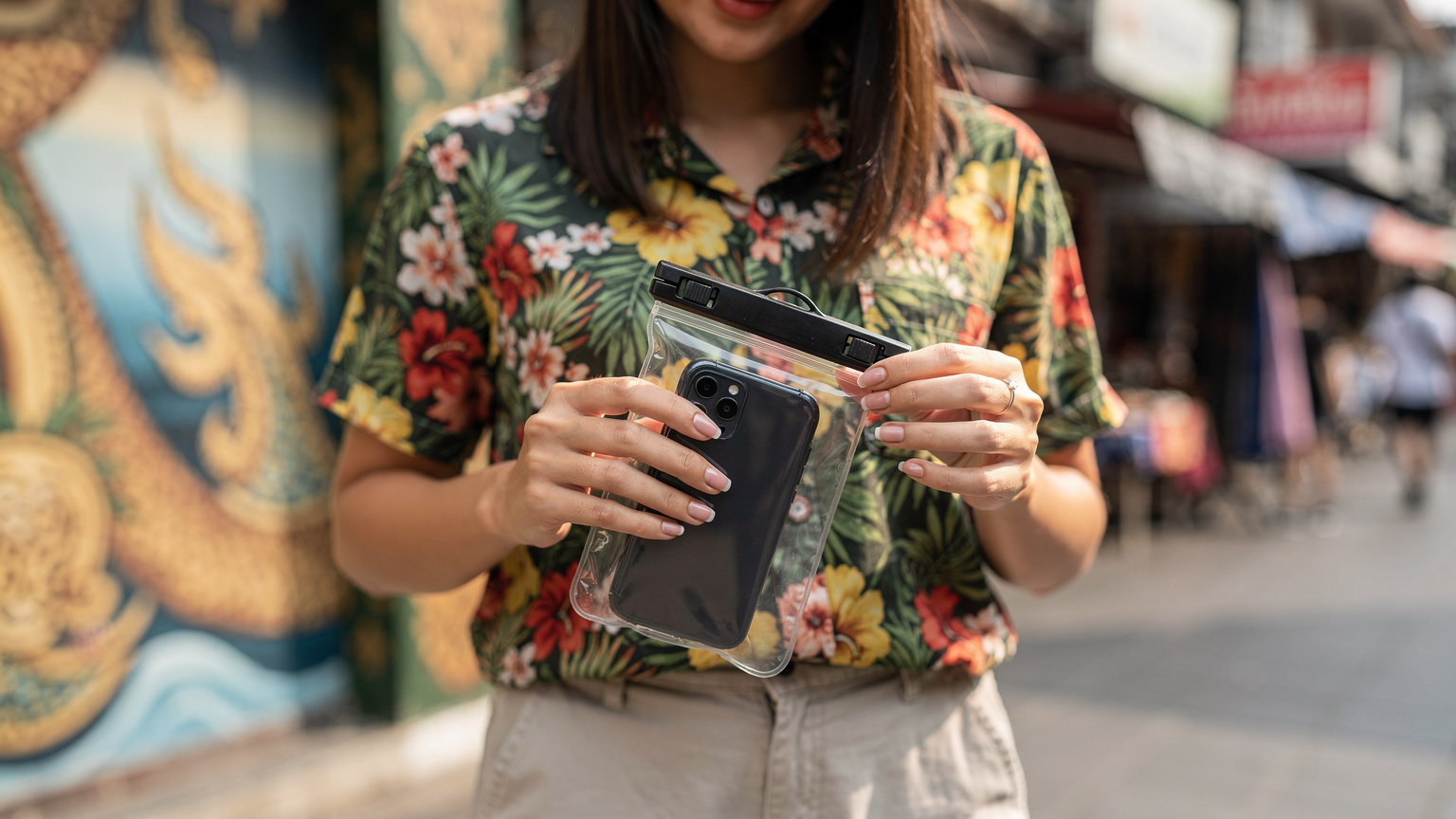
A physical SIM card requires a physical tray, a moving part on your phone. In a water-soaked environment, this tiny slot becomes a major point of ingress for moisture, potentially leading to corrosion or short circuits. Even if your phone is rated IP68, the SIM tray gasket is a common failure point if not perfectly sealed. And let's be honest, fumbling with a wet SIM ejector tool on the street is hardly ideal.
- Water Damage Risk: Physical SIM trays are a common entry point for water, even on water-resistant phones, risking internal damage.
- Loss Risk: The small size of a nano-SIM makes it incredibly easy to lose during removal or insertion in a chaotic environment.
- Grit and Debris: Beyond water, the festive environment often involves dust and grit, which can also damage the delicate contacts in a SIM slot.
The eSIM Advantage: Seamless and Secure
An eSIM, or embedded SIM, eliminates these physical vulnerabilities entirely. It's a chip built directly into your device's motherboard, meaning there's no tray to open, no card to insert or remove. This significantly reduces the risk of water damage to the component responsible for your cellular connection.
Moreover, the activation process is entirely digital, performed by scanning a QR code or entering a few details. This means you can set up your data plan from the comfort of your hotel room, well before you step out into the splash zones. No need to visit a vendor, no language barriers, and crucially, no physical handling of components in a potentially wet environment. It's a paradigm shift in how we approach mobile connectivity, particularly for events like Songkran.
| Feature | eSIM | Physical SIM |
|---|---|---|
| Water Vulnerability | Minimal, as no open tray. | High, SIM tray is an ingress point. |
| Activation Process | Digital via QR code or manual entry. | Physical insertion, often requires vendor visit. |
| Ease of Switching Plans | Instantaneous, multiple profiles stored. | Requires physical swap, prone to loss. |
| Security | Harder to clone or physically tamper with. | Can be physically removed/cloned. |
| Risk of Loss | Zero, it's embedded. | High, small and easily misplaced. |
Carrier Landscape in Thailand: Your eSIM Options
Thailand's mobile network infrastructure is generally robust, with three major players dominating the market: AIS, TrueMove H, and Dtac. For travelers, understanding their strengths and the specific network bands they operate on is crucial for selecting the best eSIM plan, especially during high-traffic events like Songkran.
Major Carriers and Their Network Strengths
AIS (Advanced Info Service) is often considered the market leader, boasting the widest coverage, particularly in rural and island areas. Their 4G LTE network primarily utilizes FDD-LTE on Band 3 (1800 MHz), Band 1 (2100 MHz), and Band 8 (900 MHz). For 5G, they leverage n41 (2500 MHz) and n78 (3500 MHz), offering impressive speeds up to 500-800 Mbps in urban centers like Bangkok and Phuket. During Songkran, AIS's extensive network and capacity are generally good for handling increased demand.
TrueMove H is another strong contender, known for competitive pricing and good urban coverage. They operate 4G LTE on Band 1 (2100 MHz), Band 3 (1800 MHz), Band 8 (900 MHz), and Band 40 (2300 MHz) for TDD-LTE. Their 5G deployment largely mirrors AIS, using n41 and n78, with typical urban speeds ranging from 300-700 Mbps. TrueMove H has made significant investments in their network, making them a reliable choice.
Dtac (Total Access Communication), recently merged with TrueMove H to form True Corporation, still operates its own network infrastructure to a degree. Historically, Dtac has been strong in Bangkok and other major cities, with 4G LTE on Band 1 (2100 MHz), Band 3 (1800 MHz), and Band 8 (900 MHz). Their 5G rollout is catching up, also utilizing n41 and n78. While their coverage might have traditionally been slightly less extensive than AIS, the merger aims to enhance their collective footprint.
When choosing an eSIM for Thailand, you'll typically be provisioned on one of these underlying networks. It's worth checking which carrier your eSIM provider partners with, especially if you plan to venture beyond major cities. For instance, if you're heading to a specific island, knowing which carrier has stronger Band 8 coverage could make a significant difference in your experience.
Optimizing Your eSIM for Songkran Performance
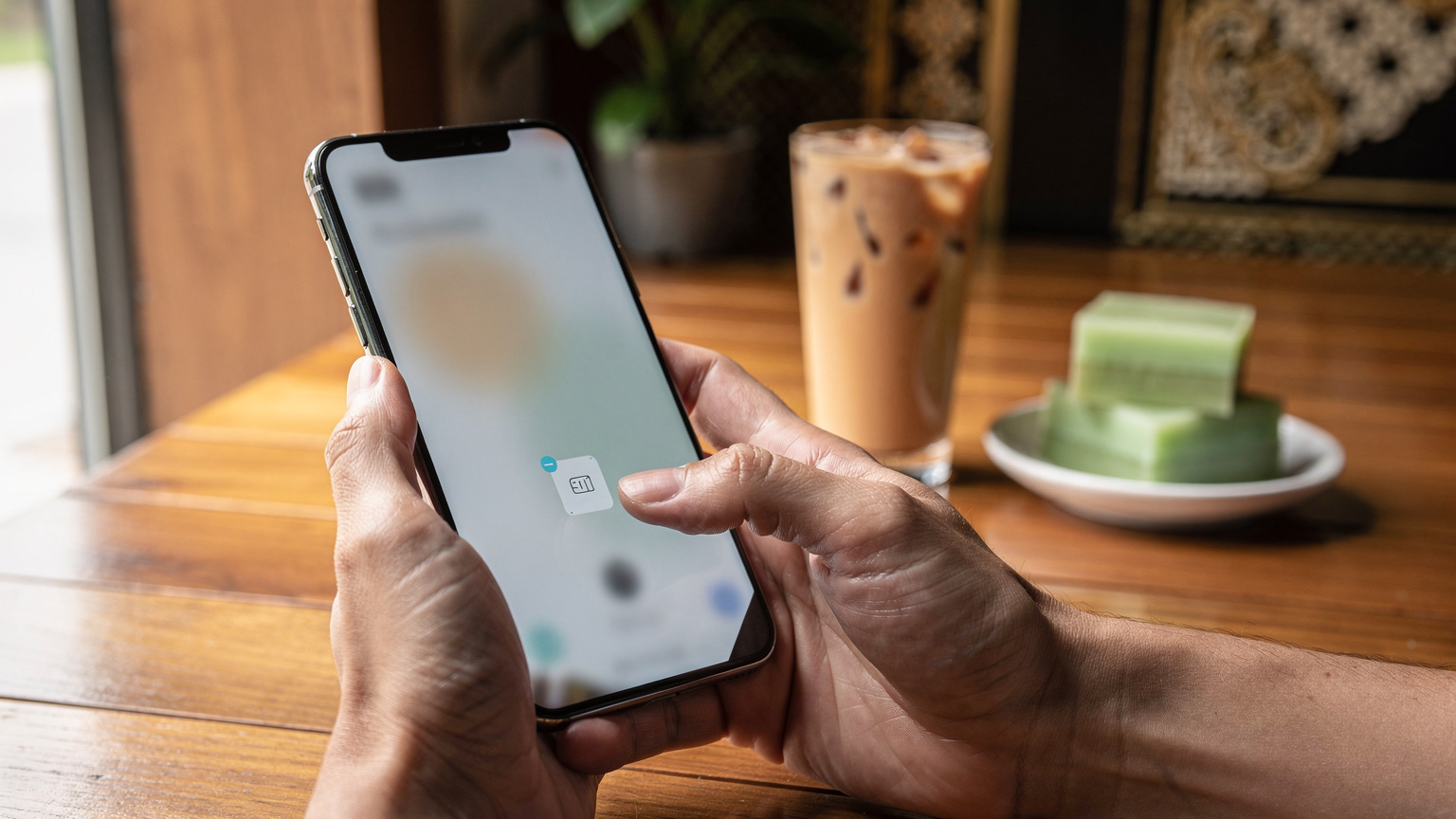
Getting an eSIM is just the first step. To ensure you're getting the best possible performance during the intense network demands of Songkran, a few technical considerations and optimizations are in order.
APN Settings: A Deep Dive
For most modern smartphones, especially iPhones running iOS 16 or newer, and Android devices on recent versions, eSIMs usually configure their Access Point Name (APN) settings automatically. An APN defines the network path for all your data, SMS, and MMS traffic. However, there are edge cases, particularly with certain unlocked Android models or older devices, where manual APN configuration might be necessary if you're experiencing connectivity issues.
Typically, Thai carriers use simple APNs like internet or www.dtac.co.th. If your data isn't working post-activation, navigate to your phone's cellular settings:
- For iOS: Go to Settings > Cellular > Cellular Data Network.
- For Android: Go to Settings > Network & Internet > Mobile Network > Advanced > Access Point Names.
- Verify APN: Check if the APN listed matches what your eSIM provider specifies. If blank or incorrect, add a new APN with the correct details (often just the name, e.g., 'internet').
- Save and Restart: Save the new APN and restart your device for the changes to take effect.
One common APN quirk involves IPv6-only networks. Some carriers are transitioning to IPv6-only, leveraging Carrier-Grade Network Address Translation (CGNAT) for IPv4 access. While this is largely transparent to end-users, certain applications or services that hardcode IPv4 addresses might encounter issues. Most eSIM providers will handle this transparently, but if you're a developer or power user experiencing specific connectivity problems, check if your APN type includes 'IPv4/IPv6' or 'IPv6' explicitly.
Prioritizing Your eSIM Data
Many devices support Dual SIM Dual Standby (DSDS), allowing you to have both your home SIM (physical or eSIM) and your travel eSIM active simultaneously. This is incredibly useful for receiving calls and texts on your home number while using the travel eSIM for data.
- Designate Data SIM: In your phone's cellular settings, ensure your travel eSIM is selected as the primary source for cellular data.
- Enable Data Roaming (if applicable): If your eSIM is a roaming product, ensure data roaming is enabled for that specific eSIM profile. For local Thai eSIMs, this is typically not necessary.
- Disable Wi-Fi Assist: On iOS, Wi-Fi Assist can sometimes switch to cellular data even when Wi-Fi is weak. While useful, it might unintentionally use your home plan data if not carefully configured.
- Monitor Data Usage: Regularly check your data usage in your phone's settings to avoid unexpected overages, especially with heavy social media uploads during Songkran.
VoLTE, VoWiFi, and eSIM Quirks to Know
Voice over LTE (VoLTE) and Voice over Wi-Fi (VoWiFi) are standard features for modern cellular communication, offering clearer calls and extending coverage. However, when using an eSIM, especially a data-only plan, there are specific considerations that travelers need to be aware of.
Understanding VoLTE with an eSIM
VoLTE routes your voice calls over the 4G LTE data network, providing superior call quality and allowing you to use data simultaneously while on a call. Most modern eSIMs provisioned with voice capabilities in Thailand will support VoLTE automatically, assuming your device also supports it and the local carrier has enabled it for your profile.
The gotcha here: many travel eSIMs are data-only. If your eSIM plan does not explicitly include voice services, then VoLTE will not be available. Your phone might still display an LTE icon, but voice calls will either fall back to 2G/3G (if available on the network and supported by your device) or simply not connect. This is a crucial distinction. If you need to make traditional voice calls, ensure your eSIM plan includes voice, or rely on VoIP apps like WhatsApp or Line, which will use your data allowance. (Line is ubiquitous in Thailand, making it an excellent choice for local communication.)
Navigating VoWiFi with an eSIM
VoWiFi, or Wi-Fi Calling, allows you to make and receive calls and texts over a Wi-Fi connection when cellular service is weak or unavailable. This is particularly useful in hotels or areas with poor indoor coverage. For VoWiFi to work with an eSIM, two conditions generally need to be met:
- Carrier Support: Your eSIM carrier must support VoWiFi, and your specific plan must include it.
- Home Network Configuration: More importantly, VoWiFi often relies on your home network's configuration. If your primary SIM (your home country's SIM) supports VoWiFi, your phone can often use it even when your travel eSIM is providing the data connection, as long as your home SIM is active for calls and texts.
If your travel eSIM is data-only and you've disabled your home SIM, you will not be able to use VoWiFi for traditional calls. Again, VoIP apps are your best alternative. Always check your phone's settings to ensure VoWiFi is enabled, typically found under Cellular Data Options or Network Settings. Some older or specific Android phone models, particularly those from certain regions, can be finicky with VoWiFi activation when using a non-native SIM profile. It's a common frustration point for those who expect seamless integration, but a quick check of your phone's diagnostic logs can often reveal if the EPDG (Evolved Packet Data Gateway) tunnel is failing to establish.
Managing Data Usage During Songkran
With constant photo uploads, video calls to share the fun, and reliance on navigation apps, data consumption during Songkran can be significant. Effective data management is key to avoiding throttling or unexpected top-ups.
Monitoring and Conserving Your Data
Most modern smartphones offer detailed data usage statistics, broken down by app. Regularly checking these can give you insights into which applications are consuming the most data. Social media apps, especially those with auto-playing videos, are notorious data hogs. Consider adjusting their settings to reduce data usage while on the go.
- Disable Background App Refresh: Prevent apps from consuming data when not actively in use.
- Download Offline Maps: Use Google Maps or Apple Maps to download regions of Thailand before your trip, reducing reliance on live data for navigation.
- Limit Streaming: If you're using streaming services, download content over Wi-Fi before heading out.
- Adjust Photo/Video Upload Quality: Some social media apps allow you to reduce the quality of uploads, saving significant data.
Dealing with Fair Usage Policies (FUP)
Many unlimited or high-data eSIM plans come with a Fair Usage Policy. This means that after consuming a certain amount of high-speed data (e.g., 20GB, 50GB), your speed might be throttled to a lower rate, typically 128 kbps or 256 kbps, for the remainder of your plan's validity. While 256 kbps is usually sufficient for basic messaging and light browsing, it won't cut it for uploading high-resolution Songkran videos.
Always read the fine print of your eSIM plan to understand the FUP. If you anticipate heavy usage, opt for plans with higher initial high-speed allowances or those that offer easy top-ups. Remember, once throttled, there's usually no way to regain full speed until your next billing cycle or a new plan activation.
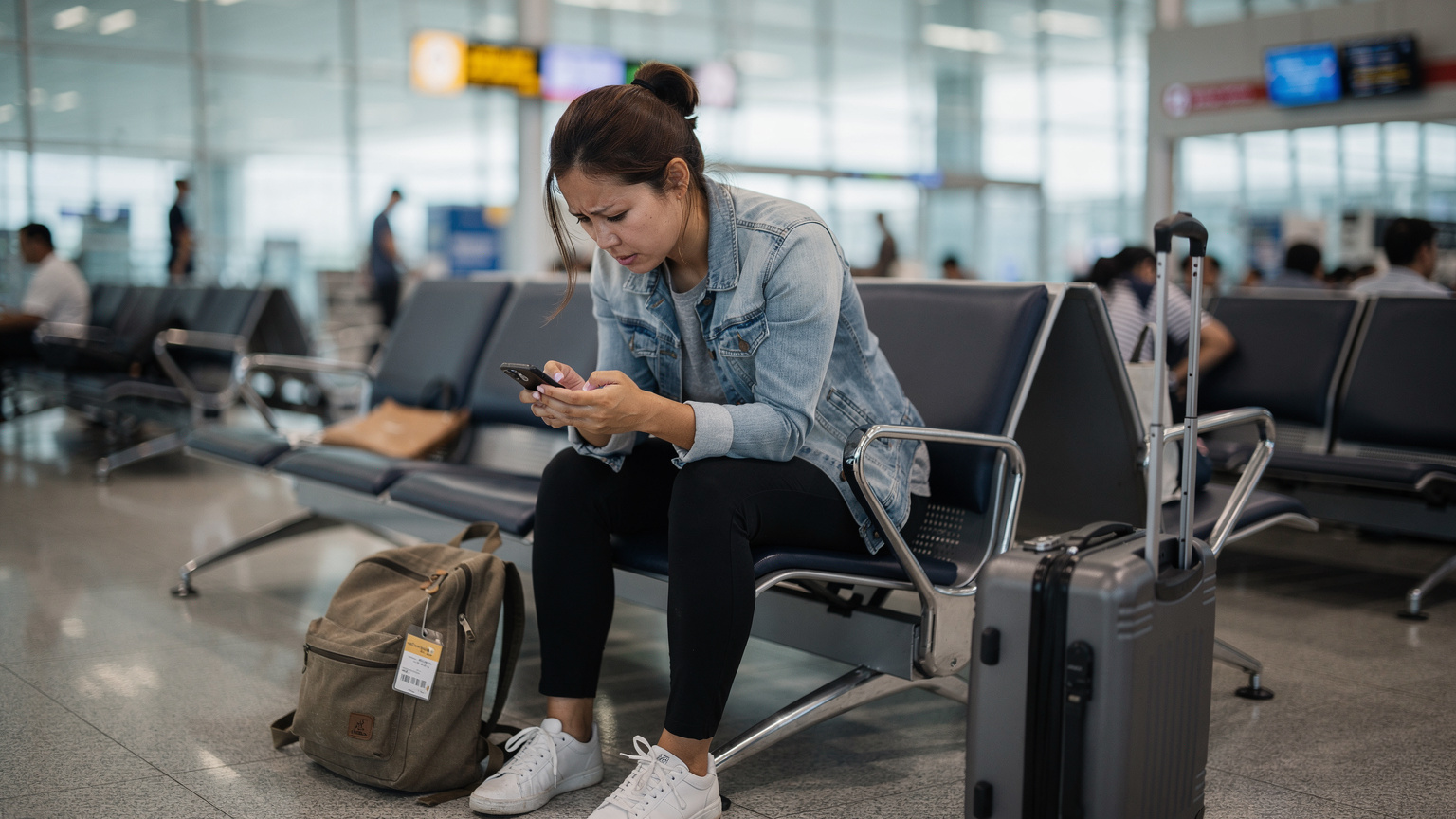
eSIM Activation and Troubleshooting in Thailand
While eSIM activation is generally straightforward, occasional issues can arise. Knowing how to troubleshoot common problems can save you considerable stress, especially when you're eager to join the Songkran festivities.
Step-by-Step Activation
The process is quite intuitive for most users, but a systematic approach helps:
- Purchase Your eSIM: Select a plan that suits your data needs and duration for your Thailand trip. You can find excellent options for Thailand eSIMs on our site.
- Receive QR Code: After purchase, you'll receive a QR code via email or within the app.
- Prepare Your Device: Ensure your phone is unlocked and connected to a stable Wi-Fi network.
- Add eSIM Profile:
- iOS: Go to Settings > Cellular > Add eSIM. Choose 'Use QR Code' and scan.
- Android: Go to Settings > Network & Internet > SIMs > Add eSIM (or similar path, varies by manufacturer).
- Label Your eSIM: Assign a clear label like "Thailand Travel" to easily distinguish it from your primary SIM.
- Set as Primary for Data: In your cellular settings, ensure your new eSIM is selected for cellular data.
- Enable Data Roaming (if required): For some global eSIMs, you might need to enable data roaming for the eSIM profile. For local Thai eSIMs, this is typically not necessary.
If you encounter issues, double-check that your phone is not restricted to a specific carrier's SIMs. Some older phones, or those purchased on contract, might be locked to their original network, preventing any other eSIM from activating.
Common Troubleshooting Steps
If your eSIM isn't connecting after activation, consider these steps:
- Restart Your Phone: The oldest trick in the book, but often effective in forcing network registration.
- Check APN Settings: As discussed, ensure the APN is correctly configured.
- Toggle Airplane Mode: Turning Airplane Mode on and off can reset your phone's cellular modem.
- Verify Network Selection: Some phones allow manual network selection. If you're having trouble, try manually selecting one of Thailand's major carriers (AIS, TrueMove H, Dtac).
- Update OS: Ensure your phone's operating system is up to date, as software bugs can sometimes interfere with eSIM functionality.
- Contact Support: If all else fails, reach out to your eSIM provider's customer support. They can check if your profile is active on their end and provide specific guidance. For general questions, our FAQ section might have immediate answers.
Security Considerations on Public Networks
During Songkran, you'll likely find yourself using public Wi-Fi networks in cafes, shopping malls, or even at festival venues. While convenient, these networks pose significant security risks that an eSIM can indirectly help mitigate.
The Risks of Open Wi-Fi
Open Wi-Fi networks are often unsecured, meaning data transmitted over them can be intercepted by malicious actors. This includes personal information, login credentials, and banking details. Even if a network is password-protected, if it's shared widely (like in a hotel lobby), it's still considered less secure than a private connection.
Threats include:
- Man-in-the-Middle (MitM) Attacks: An attacker intercepts communication between your device and the internet.
- Malware Distribution: Public networks can be used to spread malware to connected devices.
- Eavesdropping: Unencrypted traffic can be easily monitored.
How Your eSIM Enhances Security
By providing a secure, dedicated cellular data connection, your eSIM reduces your reliance on potentially unsafe public Wi-Fi. Instead of connecting to an unknown network to check your bank balance or make an online purchase, you can use your eSIM's data, which is encrypted and transmitted over a cellular network, offering a higher degree of privacy and security.
For truly sensitive operations, consider using a Virtual Private Network (VPN) over your eSIM data connection. A VPN encrypts all your internet traffic, creating a secure tunnel regardless of the underlying network, whether it's cellular or Wi-Fi. This is particularly important if you're engaging in any financial transactions or accessing confidential work emails while traveling.
| Network Type | Security Level | Typical Use Case | Recommendation for Sensitive Data |
|---|---|---|---|
| eSIM Cellular Data | High (encrypted) | Everyday browsing, essential apps, sensitive transactions. | Good without VPN, better with VPN. |
| Private Wi-Fi (Home/Trusted) | Moderate-High (encrypted) | Home use, secure office networks. | Good without VPN, better with VPN. |
| Public Wi-Fi (Password Protected) | Moderate (shared key, potential MitM) | General browsing, social media. | Use VPN always. |
| Public Wi-Fi (Open/No Password) | Low (unencrypted, high risk) | Emergency only, avoid sensitive data. | Avoid if possible, VPN essential. |
Future-Proofing Your Connectivity: eSIM Tech in 2026
The eSIM ecosystem is constantly evolving, with new developments promising even more seamless and powerful connectivity solutions. As we look towards 2026, several trends indicate how eSIM technology will continue to enhance the travel experience, especially for dynamic events like Songkran.
Integrated eSIM Management
Expect more sophisticated, native eSIM management tools within smartphone operating systems. This will simplify the process of switching between profiles, monitoring data usage across multiple eSIMs, and even dynamic plan adjustments based on location or usage patterns. Apple has been a leader here, with the US iPhone 14 and later models being eSIM-only, pushing the industry forward.
We might also see tighter integration with travel apps, allowing for one-click eSIM purchases and activations tied to flight itineraries or hotel bookings. Imagine landing in Bangkok, and your pre-purchased Songkran eSIM automatically activates as your plane taxis to the gate, thanks to geofencing and API integration. This kind of automation, while still in its nascent stages, is the logical progression for a truly frictionless user experience.
Enhanced Security and Reliability
The security of eSIM provisioning will continue to improve, with stronger encryption protocols and more robust authentication methods. This will be crucial as eSIMs become even more prevalent in IoT devices and critical infrastructure. The inherent security of an embedded, non-removable element makes it less susceptible to physical tampering than a traditional SIM.
Furthermore, network slicing, a key feature of 5G Standalone (SA) networks, will enable carriers to allocate dedicated network resources for specific services or user groups. While primarily for enterprise applications, it could eventually translate to premium eSIM plans offering guaranteed bandwidth for critical applications, even during peak congestion like the Songkran festival. This means less variability in reported download speeds, moving closer to consistent service levels even when the cell tower is heavily loaded, especially on higher frequency bands like n78 (3500 MHz).
Beyond Songkran: Year-Round eSIM Use
While an eSIM is a phenomenal asset for Songkran, its benefits extend far beyond the festival. For any international traveler, it represents a significant upgrade in how mobile data is managed, offering flexibility and convenience year-round.
Multi-Country Travel and Asia Connectivity
For those embarking on extensive journeys, perhaps from Istanbul to Singapore, an eSIM truly shines. Instead of collecting a new physical SIM in each country, you can preload multiple eSIM profiles onto your device. This allows for instant switching between plans as you cross borders, ensuring continuous connectivity without the hassle of physical swaps or searching for local vendors. This is particularly advantageous for multi-leg trips across Southeast Asia, where a regional eSIM plan can cover several countries under one umbrella.
Consider a trip that combines Songkran with exploration of other regions, like Bali's Hidden Gems or a quick hop to Japan. A single eSIM-compatible device can host profiles for all these destinations, activated on demand. This greatly reduces travel stress, allowing you to focus on the experience rather than logistics.
Cost-Effectiveness and Environmental Impact
In many cases, eSIM plans can be more cost-effective than international roaming packages offered by your home carrier. You're buying local data at local rates, often without the premium associated with roaming. Plus, the elimination of physical plastic SIM cards contributes to a small but meaningful reduction in plastic waste, aligning with more sustainable travel practices.
Whether you're exploring the ancient temples of Ayutthaya post-Songkran, hiking in the hills of Chiang Rai, or simply relaxing on the beaches of Koh Lanta, having reliable, flexible data is paramount. An eSIM ensures you're always connected, always able to share, and always in control of your mobile experience. It truly redefines what seamless global connectivity means for the modern traveler.
Frequently Asked Questions
Will my phone get damaged by water during Songkran if I use an eSIM?
Using an eSIM itself does not inherently protect your phone from water damage. However, it eliminates the need to open your phone's SIM tray, which is a common point of water ingress for physical SIM cards. You should still use a waterproof pouch or a water-resistant phone for protection during Songkran.
What kind of speeds can I expect with an eSIM in Thailand during Songkran?
During Songkran, network congestion can affect speeds. However, with major carriers like AIS and TrueMove H, you can generally expect 4G LTE speeds ranging from 50-150 Mbps download and 10-30 Mbps upload in urban areas. 5G, where available on bands n41 and n78, could offer 300-800 Mbps download, though this will fluctuate significantly with user density.
Can I use my home number for calls and texts while using a Thailand eSIM for data?
Yes, if your phone supports Dual SIM Dual Standby (DSDS). You can keep your home physical SIM or eSIM active for calls and texts while routing all data traffic through your Thailand travel eSIM. This allows you to receive calls on your primary number without incurring expensive international roaming data charges.
What if my eSIM doesn't activate in Thailand?
First, try restarting your phone and toggling Airplane Mode. Check your phone's APN settings to ensure they are correct (often 'internet' for Thai carriers). Verify your phone is unlocked and ensure you have a stable Wi-Fi connection during activation. If issues persist, contact your eSIM provider's support for specific troubleshooting.
Are there any specific phone models that have issues with eSIMs in Thailand?
Most modern flagships from Apple (iPhone XR and newer), Samsung (Galaxy S20 and newer), and Google (Pixel 3 and newer) support eSIM seamlessly. Some older or region-locked Android devices, especially those from certain Chinese manufacturers, might have limited or no eSIM support. Always check your specific model's compatibility before purchasing.
Can I get an 'unlimited' data eSIM for Songkran?
Many plans are advertised as 'unlimited,' but almost all come with a Fair Usage Policy (FUP). After a certain high-speed data allowance (e.g., 20GB, 50GB), your speed will be throttled to a lower rate, typically 128-256 kbps. Always review the FUP details to manage your expectations and avoid surprises during heavy usage like sharing Songkran videos.